
Why does your Wi-Fi feel fast in one room and nearly useless in another? A weak signal rarely has a single cause, and the fixes often cost nothing beyond a little time. Before you call your provider or buy new equipment, it helps to understand what shapes signal strength in a typical home. The problem is usually solvable with a methodical look at placement, settings, and the physical environment around your router.
Understanding What a Weak Signal Actually Means
A weak signal and slow internet are not always the same thing. Your connection to the outside world might be perfectly healthy while the wireless link between your router and your laptop struggles. Separating these two problems saves you from chasing the wrong fix.
Run a speed test while standing next to the router, then repeat it in the room where things feel slow. If the numbers near the router match what you pay for but drop sharply across the house, the issue is Wi-Fi coverage, not your plan. That single comparison narrows your wifi troubleshooting dramatically.
Why Router Placement Matters More Than You Expect
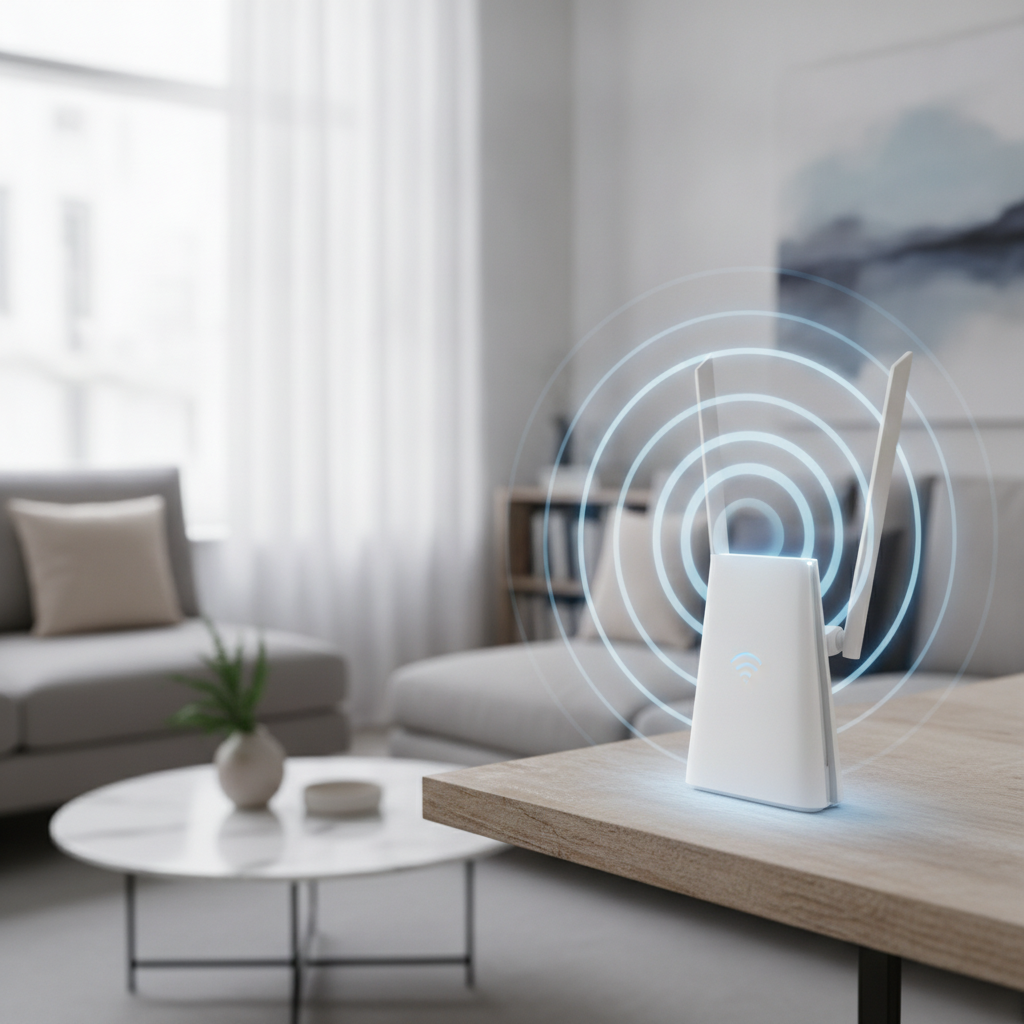
Most people put the router wherever the cable enters the house, often a corner, a closet, or behind the television. That convenience comes at a cost. Radio signals weaken with distance and lose strength passing through walls, floors, and furniture, so a corner placement wastes much of the coverage on the yard outside.
A central, elevated spot changes the picture considerably. Setting the router on a shelf in a main living area, rather than on the floor behind a cabinet, can turn two weak rooms into usable ones. Router placement is the cheapest upgrade you have, and it is worth testing before anything else.
Spots That Tend to Weaken Coverage
- Inside a cabinet, drawer, or media console with closed doors
- On the floor, where furniture and foot traffic absorb the signal
- Next to large metal objects such as filing cabinets or refrigerators
- Beside a microwave or a cordless phone base
- In a basement when most of your devices are upstairs
Identifying Sources of Signal Interference
Even a well-placed router competes with the environment around it. Signal interference comes from both physical barriers and other electronics broadcasting on nearby frequencies. A microwave oven, for instance, can briefly disrupt a connection every time it runs, which explains those odd drops during dinner prep.
Dense building materials matter too. Brick, concrete, stone, and anything with metal mesh inside walls block wireless signals far more than drywall. If your office sits behind a masonry fireplace, no amount of router tuning fully compensates, and you may need to rethink where devices and routers live.
Choosing the Right Band and Channel
Modern routers broadcast on two frequency bands, and most offer a third on newer models. The 2.4 GHz band travels farther and passes through walls more easily but carries less speed and is crowded with other devices. The 5 GHz band is faster over short distances but fades quickly through obstacles.
In apartments and dense neighborhoods, your neighbors' networks pile onto the same channels, creating congestion that feels like a weak signal even when strength is fine. Many routers now select channels automatically, but logging into the admin settings and manually choosing a less crowded channel can relieve a stubborn slowdown at no cost.
Settings Worth Reviewing in Your Router Panel
- Band steering, which lets the router move devices between frequencies automatically
- Channel selection, where switching away from a congested channel can reduce competition
- Firmware updates, which often improve stability and close security gaps
- Guest network separation, which keeps visitor traffic from crowding your main devices
Simple Fixes Before You Spend Money
A surprising share of Wi-Fi complaints clear up with basic maintenance. Routers run continuously for months, and like any small computer they benefit from an occasional restart. Powering the router and modem off for a full minute clears temporary faults that gradually degrade performance.
It also pays to count what is connected. A household with streaming devices, phones, smart speakers, cameras, and a gaming console can overwhelm an older router during peak hours. Disconnecting idle devices or scheduling large downloads for off-hours often restores responsiveness without any purchase at all.
When Hardware Upgrades Are Worth Considering
If placement and settings take you only so far, the equipment itself may be the limit. A router that is several years old can lack the range and capacity that a modern home demands, especially one shared by many devices. This is where spending becomes a reasonable part of the decision.
Costs vary widely. A single modern router might run from the low hundreds, while a mesh system that blankets a larger home with multiple nodes costs more but solves dead zones that a lone router never will. Weigh the price against how long you intend to stay and how many rooms genuinely need coverage.
Options That Address Different Coverage Problems
- A newer standalone router for a small home with one weak room
- A mesh system for larger or multi-floor homes with several dead zones
- A wired access point for a stubborn far corner you can reach with an existing cable run
- Powerline adapters when running new cable is impractical, with the understanding that performance depends on your wiring
Knowing When to Involve Your Provider
Not every slow connection traces back to your own equipment. If speed tests fall short even when you stand beside the router, the problem may sit upstream with the line coming into your home. Documenting these results gives you something concrete to discuss rather than a vague complaint.
Providers can check signal levels on their end, confirm whether your plan matches your actual needs, and sometimes identify a failing modem. Before upgrading to a more expensive tier, confirm that your hardware can even deliver the speeds you already pay for, since an older router can quietly cap your performance.
Getting Steady Signal Throughout the Home
Troubleshooting a weak signal rewards patience over guesswork. Start by confirming whether you face a coverage problem or genuinely slow internet, then work through placement, interference, and settings before reaching for your wallet. Each step either solves the issue or rules out a cause, which keeps you from spending on hardware you do not need.
The right fix depends on your home's layout, the age of your gear, and how heavily you rely on a steady connection. With a clear sense of where the signal breaks down, you are equipped to decide which adjustments and upgrades fit your situation.